Claude gets a sidebar inside Google Docs, Sheets and Slides, in beta
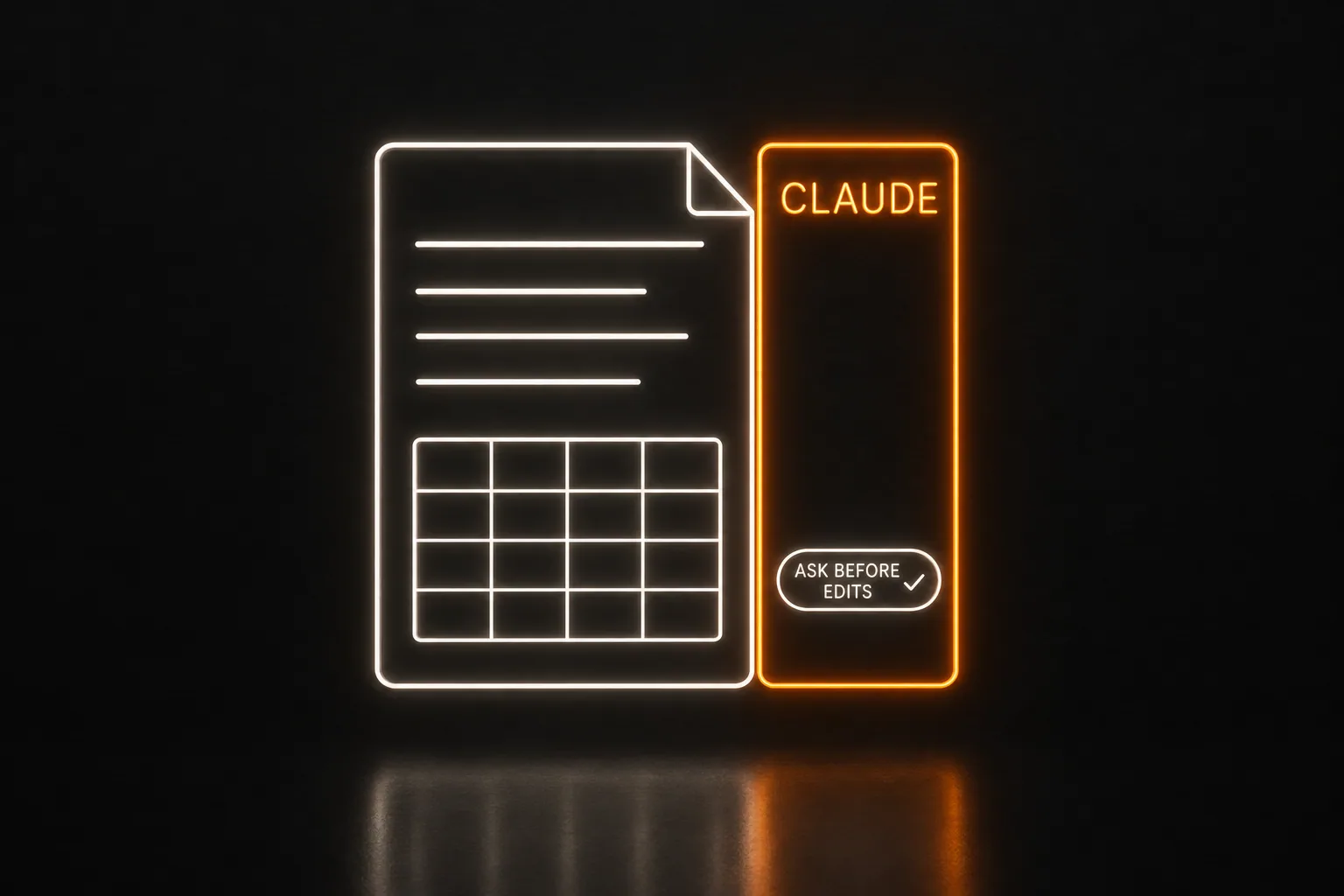
Claude for Google Workspace, in beta for Pro, Max, Team and Enterprise plans from Oct 6, puts Anthropic's AI assistant beside the Doc, Sheet or deck you have open and lets it edit that file in place, holding each change for your approval by default. It sits in the same side panel spot as Google's own Gemini.
What happened
On Oct 6, Anthropic released Claude for Google Workspace, a Claude sidebar that opens next to the file in Google Docs, Sheets and Slides. Claude reads the file you have open and edits it in place. Anthropic's post announcing it: "In Google Workspace, Claude sits in a sidebar next to your file, reads what you have open, and edits it in place. You can approve each edit before it lands." Its help center lists it as available in beta for Pro, Max, Team and Enterprise plans, and press coverage calls it a public beta on all paid plans; no added price was announced. A user installs it from the Google Workspace Marketplace if their Google account is allowed to install Marketplace apps, and a Workspace super administrator can install it for everyone or for chosen groups. The default mode, "Ask before edits", holds every change for approval; "Accept all edits" lets Claude finish without stopping. In Docs it can change a sentence or a heading and keep the formatting, while larger rewrites arrive in the sidebar as suggestion cards to approve or reject. In Sheets it can write formulas, build pivot tables and charts, add tabs, and use Python to join or clean data, writing the results back into the sheet. In Slides it builds new slides from the deck's existing layouts and themes and can flag overlapping elements or unreadable text.
The beta has firm limits. It works only on the file it is opened in ("Claude can't open, create, or copy other files in Drive"), and only in Docs, Sheets and Slides, not in Gmail or Drive itself. A task runs six minutes at most and stops if you close the sidebar. It runs in Chrome, Edge or Safari; "Firefox is not supported in this beta." It cannot change who has access to a file, share files or create automations, and the sidebar has no voice dictation. Anthropic says it does not use this content to train its models and deletes it within 30 days, and the sidebar's chat history stays in that browser for that file without syncing to other devices. The launch has a second half: new Google connectors let Claude create and edit Google files from inside the Claude app, in a pane beside the chat, and Enterprise owners must switch on Workspace connectors separately. The sidebar lands in a spot Google already fills: its own Gemini has had a side panel in Docs, Sheets, Slides and Drive since June 2024, per Google's Workspace Updates blog.
Before
Claude worked on Google files from its own window. A connector let it reach Google Docs, Sheets and Slides from the chat, and in mid-September Anthropic put its own Docs and Slides inside the Claude app. Inside Google's apps, the side panel belonged to Gemini, so an owner who wanted Claude's help with a job log in Sheets had to leave the Sheet to get it.
Now
Open the job log in Sheets, open the Claude sidebar, and ask for a new tab that totals the month by crew, with a chart. Claude writes the formulas and the chart into that same Sheet, and in the default mode each edit waits for a yes. It reaches only that one file, works up to six minutes per task, and stops if the sidebar is closed.
Who it touches
- Owners and office staff who keep schedules, job logs, price lists or proposals in Google Docs, Sheets or Slides and pay for Claude Pro, Max, Team or Enterprise; the help center does not list the free plan.
- Google Workspace super admins, who can install it for the whole company or for chosen groups, or leave it to staff whose accounts may install Marketplace apps.
- Teams already using Gemini in the same side panel, who can now put a second assistant on the same file.
- Enterprise Claude customers, who keep compliance APIs, customer-managed encryption keys and audit export, and whose owners must turn on Workspace connectors separately.
What it means for the business
This shortens the setup answer for an owner who already runs on Google Workspace and pays for Claude: install one Marketplace add-on, open the file they already use, and leave "Ask before edits" on. That default is the rule we already give owners for AI, let it draft and keep a person on the decision, now built into the product. It matters most in a shared sheet; the owners we build for keep years of work in live spreadsheets that many people touch, where one person's stray edit reaches everyone. It is also easy to show in a talk or a walkthrough: one Sheet on screen, one plain request, every edit waiting for a yes. Owners already on Gemini will ask which to use, and the fair test is the same request on the same file in both panels. We run our own office on Google Workspace, so we can try it on our own files before we recommend it.
It also draws a clean line for the pitch. The sidebar edits the one file it is open in, for up to six minutes, and cannot open other files, reach Gmail, share anything or create automations. Work that moves between files or runs on its own, an accepted estimate becoming a scheduled job and an invoice, or tomorrow's route going out to the crew, is still a build. For an owner whose need is a better formula, a cleaner proposal or a chart from the job log, this may be the whole answer, and saying so plainly earns trust for the jobs that need more.