ChatGPT starts answering with charts, forms and calculators on every plan, including Free
OpenAI's GPT-6 rollout with Intelligent UI reached paid ChatGPT plans on Oct 7 and the Free and Go plans on Oct 8. An answer can now build a chart, checklist, form, comparison or small calculator on the spot instead of returning paragraphs of text.
What happened
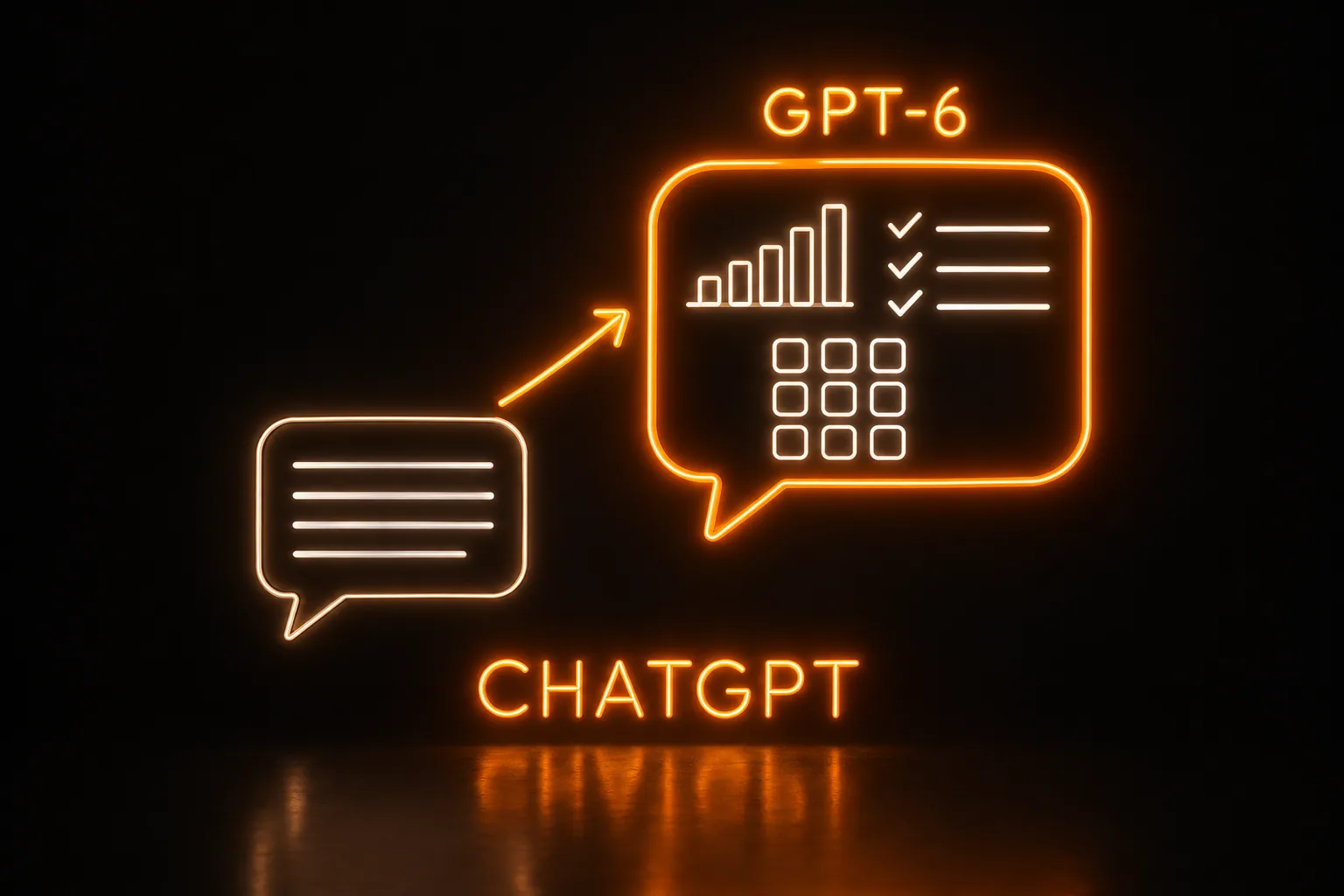
Until this week, an answer from ChatGPT was mostly text, with the occasional table or image. On Oct 7 OpenAI began rolling out GPT-6 with what it calls Intelligent UI in ChatGPT's Chat tab, starting with Plus, Pro, Business and Enterprise users on GPT-6 Sol; Free and Go users followed on Oct 8 on GPT-6 Luna. In Enterprise, availability depends on admin settings. Answers can now include charts, diagrams, maps, checklists, forms, buttons, multiple-choice follow-up questions, side-by-side comparisons, recipe cards that adjust quantities, and small tools built on the spot, such as a bill splitter, a calculator or a simple game. OpenAI says the aim is to make everyday questions more visual, complex topics easier to grasp, and the right tool for the task available on the spot. It cites 1.2 billion people using ChatGPT each week. Google brought comparable interactive answers to Gemini in May.
The model names are not new. OpenAI announced GPT-6 Sol and Luna on Sep 22 for ChatGPT Work and Codex, with Free and Go users getting Luna in the desktop app; what changed this week is where they run and how their answers look. At least one analysis says the models themselves have not changed since Sep 22, while OpenAI says GPT-6 is trained to choose, question by question, the mix of text, visuals and interactive pieces. Those pieces come from a set library rather than being coded from scratch each time: OpenAI says, as quoted by MacRumors, that Intelligent UI "uses a library of native, streamable components with a compiler that processes the interface as the model generates it," so an answer starts drawing while the model is still finishing its reasoning. Users can turn down how much visual material they get. The Work and Codex models are unchanged by this rollout. OpenAI's Thibault Sottiaux, who works on Codex, posted it as day three of the 28 days of daily upgrades he promised on Oct 4 for Codex and work users, and it is the biggest of them so far, landing in the Chat tab instead.
Before
ChatGPT answers were mostly text, with the occasional table or image. Ask it to compare two bids for a new mower, or to work out a crew's overtime for the week, and the reply came back as paragraphs to read through.
Now
The same request can come back as a side-by-side comparison, a chart or a small calculator to change the numbers in, built inside the answer, on every ChatGPT plan including Free. GPT-6 decides how much of each answer should be text and how much should be something to tap, and anyone who prefers plain text can turn the visuals down.
Who it touches
- Anyone on ChatGPT's Free or Go plans, who got GPT-6 Luna and the new answers on Oct 8.
- Plus, Pro, Business and Enterprise subscribers, who got GPT-6 Sol from Oct 7; in Enterprise, admin settings decide whether staff see it.
- Owners, office managers and estimators who ask ChatGPT for comparisons, schedules or job-cost math, whose answers can now arrive as a calculator, chart, checklist or form to tap through.
- Anyone still on the older ChatGPT desktop apps for Windows or Mac, which do not show the new answers according to OpenAI's page as it appears in search results; OpenAI recommends the web version.
What it means for the business
For the talks and AI audits we run with local owners, this is a simple live demo that works on the free plan. Ask ChatGPT to compare two equipment bids side by side, or to lay out the labor and materials on a job, and the answer can come back as the tool itself, a comparison or a calculator the room can change. Nobody has to buy a subscription to try it the next morning, which makes "go try this tomorrow" an easier ask.
It also moves the line on what we build. A calculator, a checklist or a comparison for one question is now something an owner can get by asking, on any plan. A build has to earn its place with what lasts past one conversation: the business's own jobs, customers and prices, kept current and shared with the crew. That is where our quoting, scheduling and dashboard work already sits, and it gives us a plainer way to explain it: ChatGPT can sketch the tool for one question, and the build is the version tied to the business's records that the whole crew uses every day.